The journey

From a WhatsApp chat to a finished report.

How a site assessment flows through Audit Concierge — and how to run one yourself.

Capture on WhatsApp → AI enriches → auditor reviews → branded report + register out.
Under the hood — the real pipeline
🗄️
3 · Webhook → SupabaseMessages + media stored (Node)
🧠
4 · AI enrichClaude vision on photos + Whisper on voice
✍️
5 · SynthesiseOpus + client config → draft findings
📊
6 · Build review workbookObservations + checklist map, photos embedded
🔏
★ Review gate — humanEdited in Excel / iPhone. Nothing released until sign-off.
🔁
8 · Apply reviewReads the edited workbook (Python)
📄
9 · Regenerate & deliverBranded PDF + compliance register / photos / documents
NodeClaude / AIPythonHuman gate
How to run an audit
1

Start the audit

Message the bot: RPD <site> <d-m-y> <PM> >$250K. Opens the audit and links your phone to it.
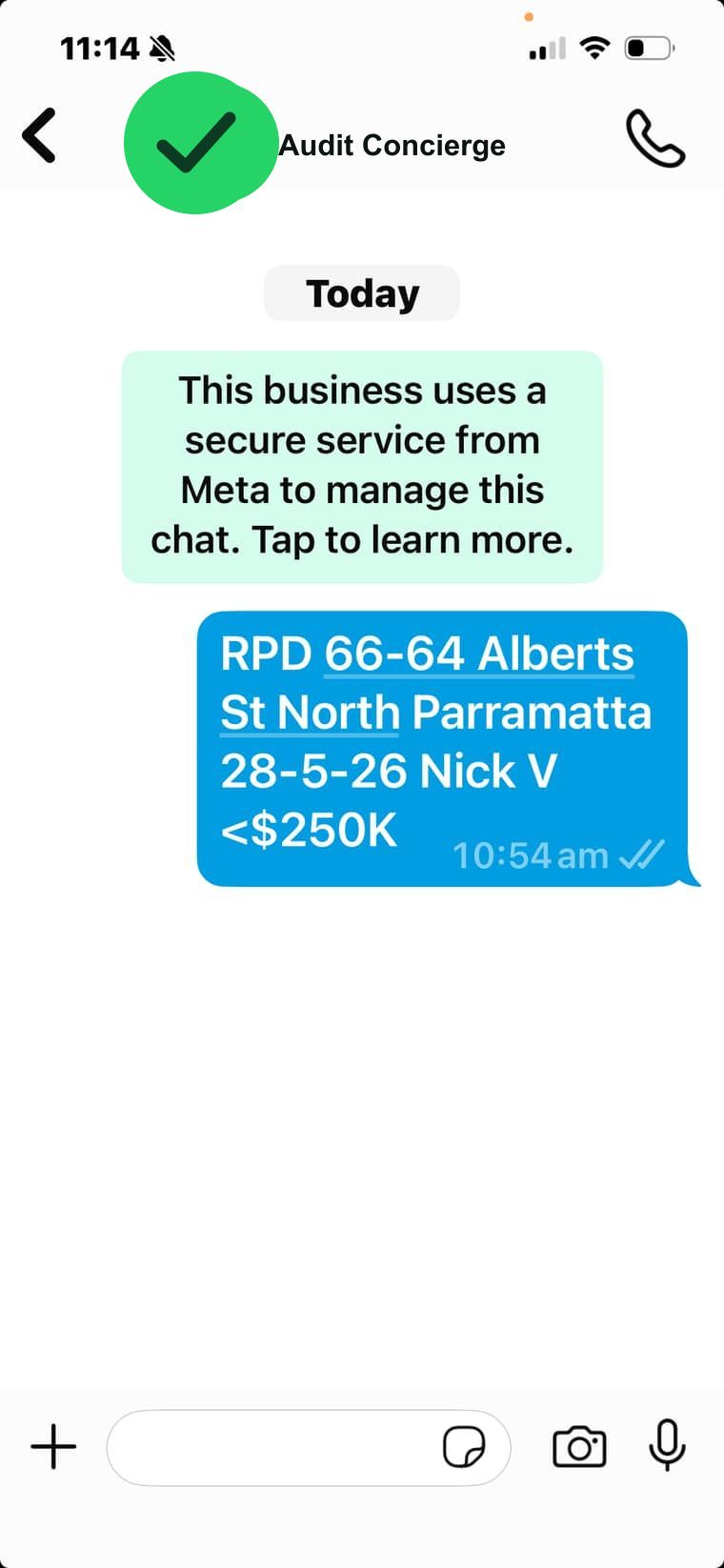
Start message
2

Bring others in

Anyone else sends the same message (same site + date) and joins the same audit — every phone's photos collect together.

3

Capture

Send photos, voice notes and text. Each photo comes back with an AI description; voice notes are transcribed.
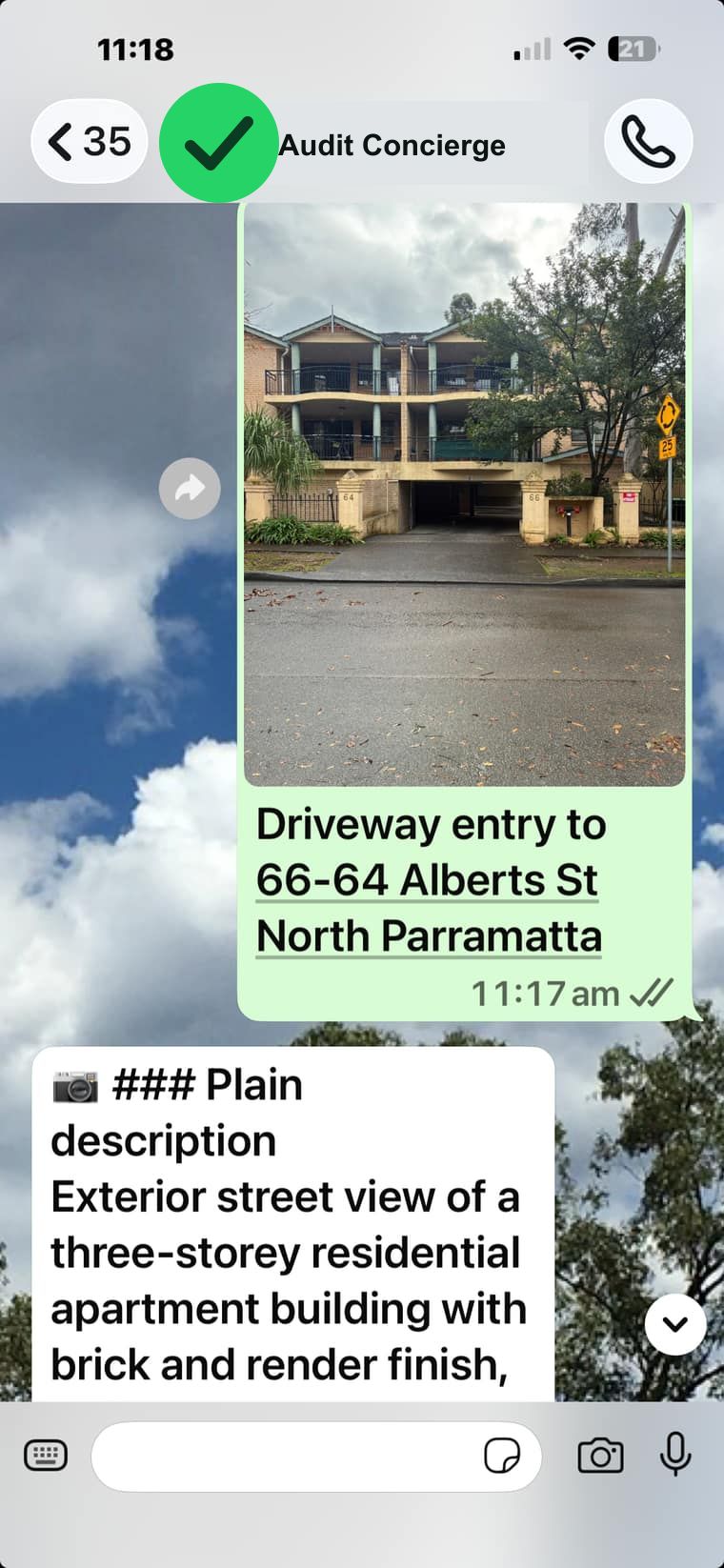
Photo + AI reply
4

Refine on the spot

Reply to a photo to add or correct a note, or send a voice correction — you shape the observations in the chat as you go.
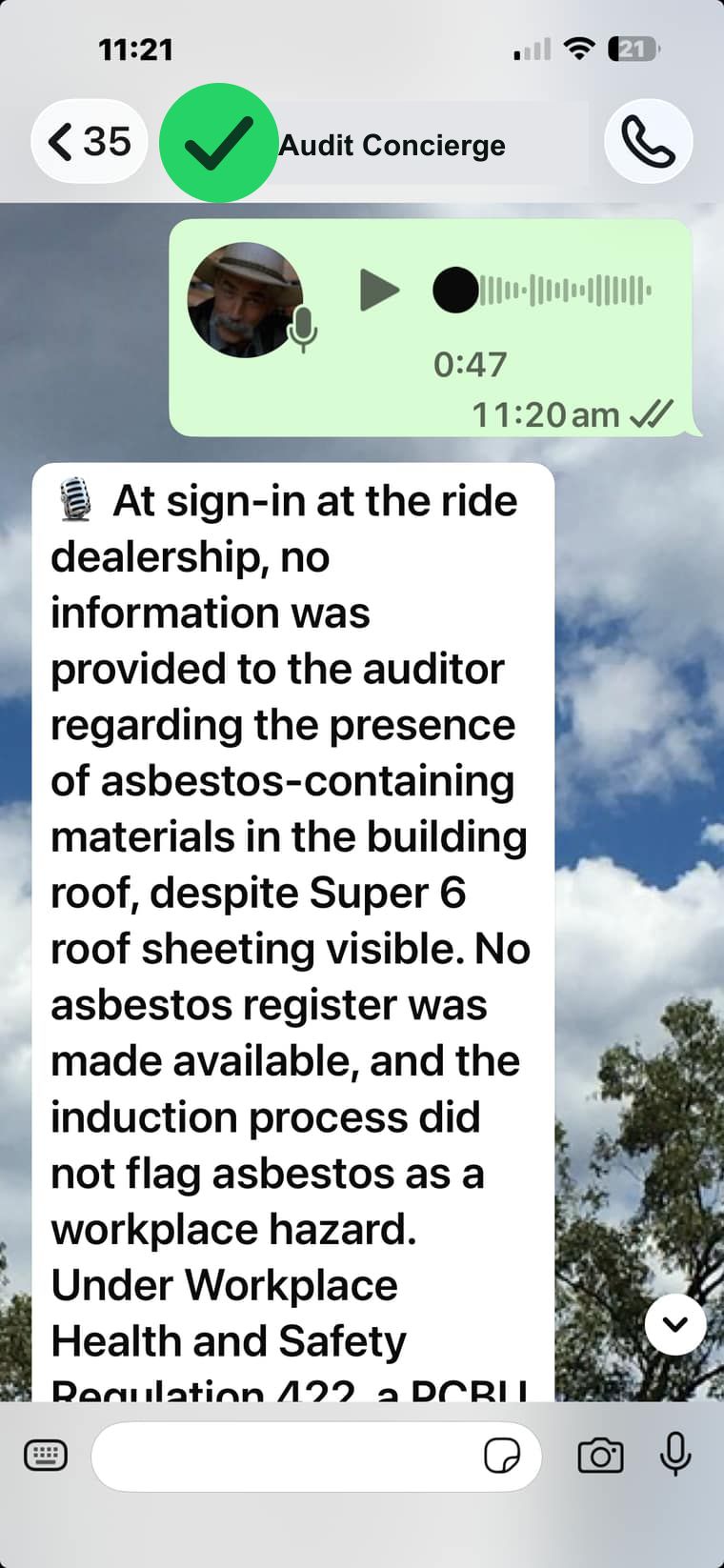
Voice transcript
5

Check progress

Type /update for a grouped, prioritised summary — likely issues / needs info / looks OK.
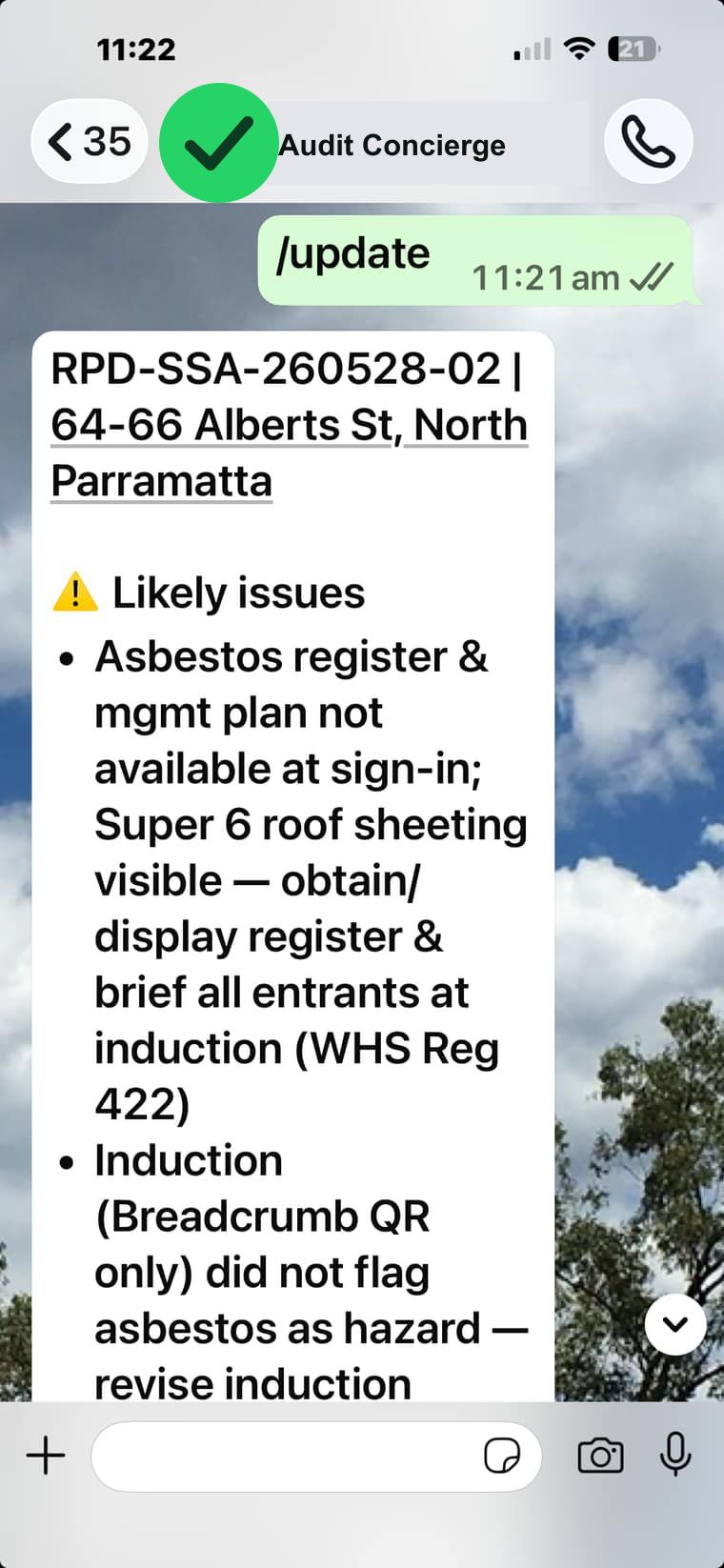
/update summary
6

Build the documents

Synthesise the day → a review workbook + a draft report. Observations also land in a live, filterable workspace.
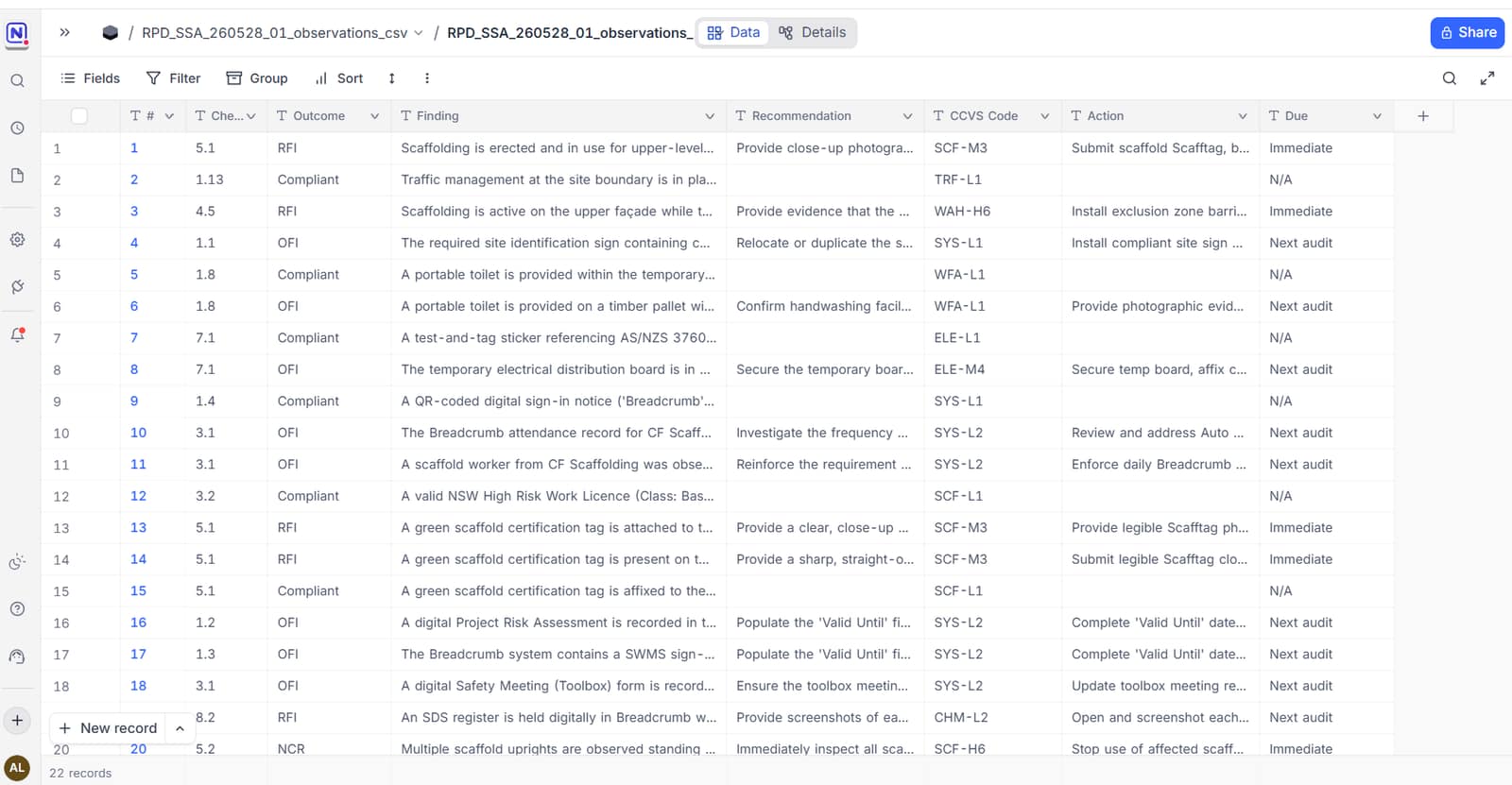
Live workspace grid
7

Review & sign — the only formal edit step

Open the workbook and view or edit every finding, outcome and recommendation, on desktop or iPhone — the human gate, nothing ships until you're happy. Or finalise most of it in the chat first — push back on findings in WhatsApp to limit time in the spreadsheet.
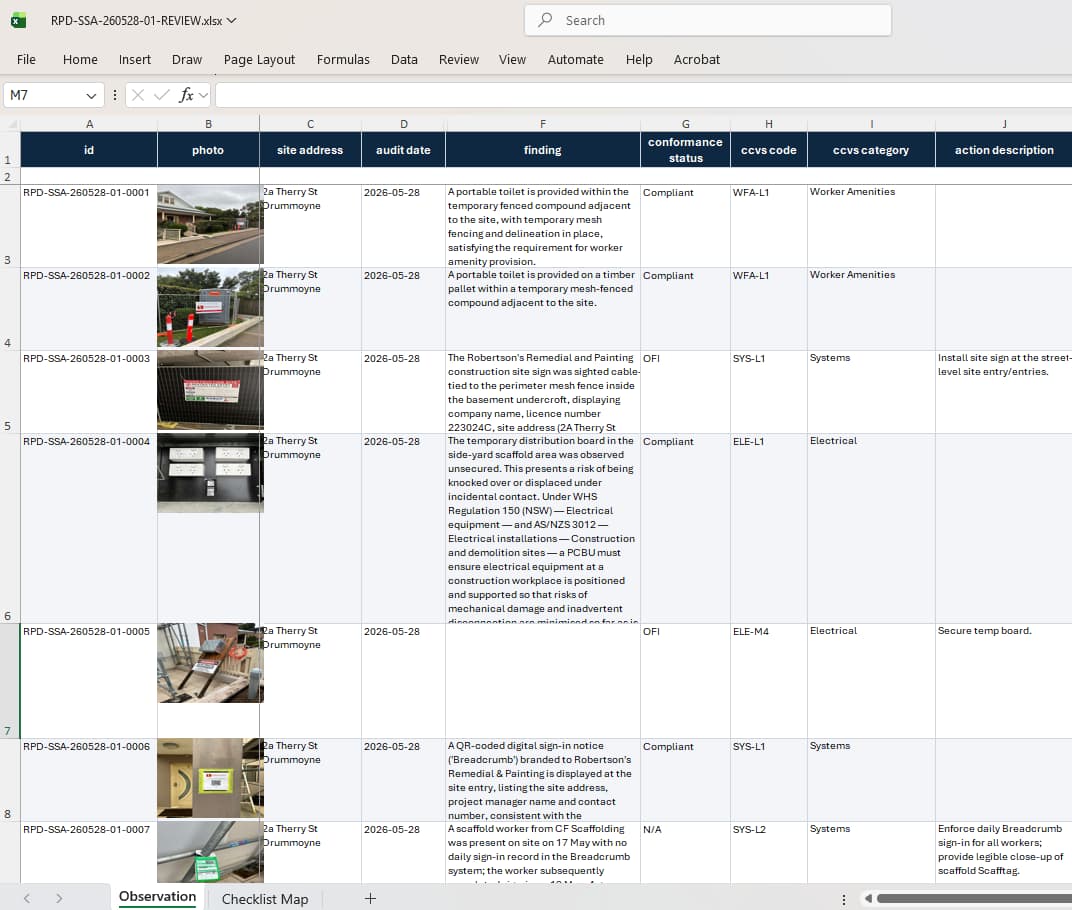
Review workbook — full edit control
8

Issue

Regenerate the branded PDF + compliance register; send to the client / upload to the dashboard.
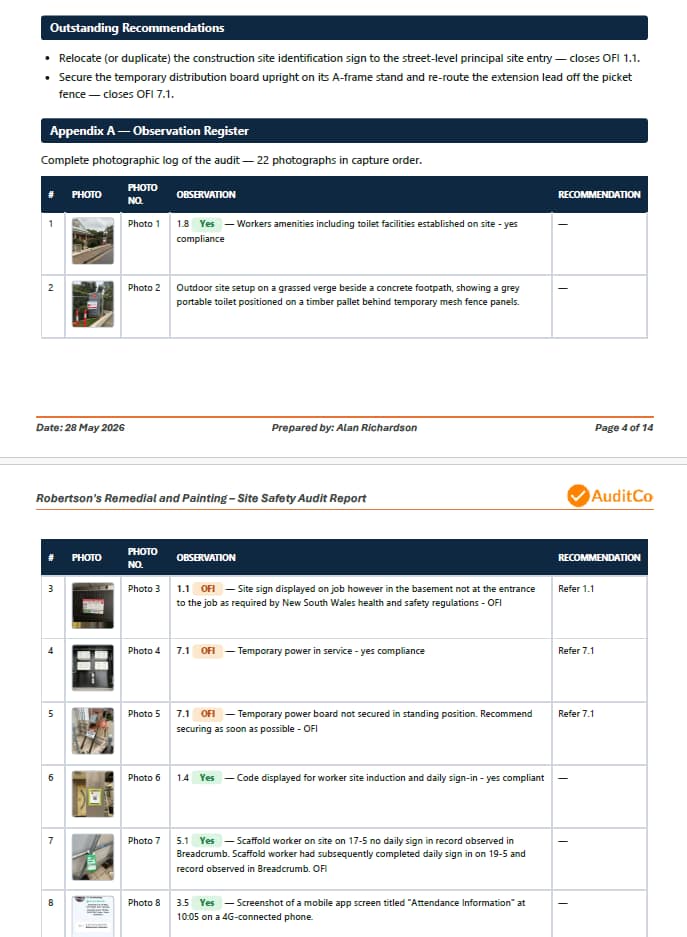
Branded report page
Handy commands
/updateInterim AI summary of the audit so far, to your phone. (live)
/emailEmail the summary to anyone, e.g. /email manager@firm.com. (coming)
🔗 OpenA link in the chat opens the exact audit's live records. (coming)